

 By Administrator
 Question: How can I find out whether I have an account on madisoncorps.org?
Answer: Use the Members Only menu link, enter your email address in the user field, and click the "forgot password" link. If your email exists, you can reset your password. You can also contact us using the Contact us link at the bottom of the website. Responses can take up to 2 business days.

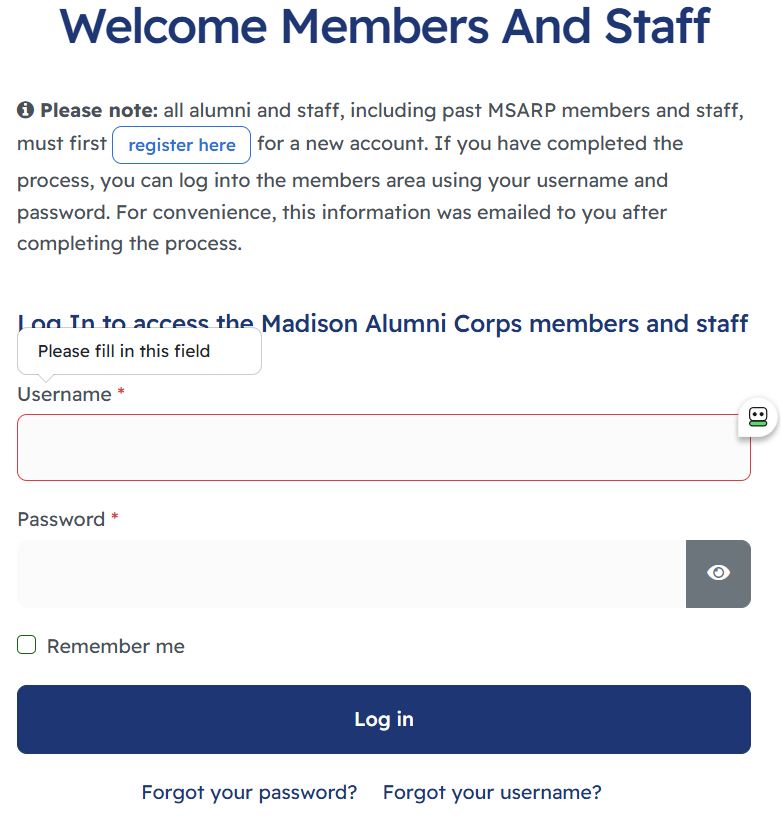 Members Login area
IF you have an existing Paid Members account and are logged in, under your profile area, you'll have that information available. IF you are only a free newsletter account holder (refunded in the past), you'll see a Become a Performer menu link where you can choose your position in the next project and make your payment.

 My Info link displays this screen: My Subscription view
By Administrator Question: Do the non-performing participants like guests or staff need to make the $100 deposit?
Answer: No for guests! Staff: Yes, if you travel to Ireland, you need to pay the deposit. If you are a staff member but NOT traveling to Ireland, we will provide a free code to access select areas on the website. If you change your mind, read this article.
By Administrator Question: I received a refund for Pasadena. How do I become a performer again?
Answer: It's fairly simple. If you created an account with us, you will stay with us. If you canceled and received your refund in the past, your login and password are still usable. You can still log into the website using the member link, though you'll only be a FREE account holder. The same goes for a past Donor.
My Info link displays this screen: My Subscription view
If you are not sure of your login credentials, your username is your email address. If you cannot remember your password, you can reset it from the same area. Members Login area
After you successfully log in, you'll see a "Become a Performer" text link displayed on the menu. Select that link to upgrade your account to a performing member. You can select your desired position, update your contact information (including a better email address), and then pay by check or PayPal.
After you complete your PayPal payment, you'll receive an email from PayPal along with an activation email. If you pay by check, we will manually activate your account shortly after we receive your payment. We will monitor accounts on the website from time to time. We'll activate your account manually if it hasn't been activated by the time we review accounts. You'll receive an email indicating your account has been activated.
Recommendation for Check Payments: We won't activate the payment option until we receive your check. Since payments can possibly get lost in the mail, we recommend getting a delivery confirmation number so you know we've received it by dropping your payment off at the post office.
By Administrator Question: How should we handle your deposit?
Answer: If life has changed and you can no longer be part of a project you wished to be part of, you can request a refund for any project that has not started. Depending on where we are in the particular journey, a portion of the deposit may go to administration and be non-refundable. If you'd like to remain part of this group in your chosen position but aren't interested in this project, you can keep it here in your account, you can donate it to the group, or you can request a refund by check, by Zelle, or by PayPal - if your purchase was made within the last six months. After six months, we can only offer Zelle or check. Unfortunately, we can only refund PayPal fees through PayPal (within that six-month period).
Let us know what your preference is by filling out the following form:
By Administrator Question: I just completed my registration using a check payment. I cannot log into the website. What do I need to do?
Answer: Follow the instructions in the email that you received from us. In the message, it includes how to write out the check and where to mail it. You will not receive access to the website until after we receive your payment. This process can take up to two weeks after you mail in your payment. We also recommend getting delivery confirmation from the Post Office, so you know when we receive your payment. We will manually process your activation. All PayPal payments are immediate, with an activation email sent directly to the payee.
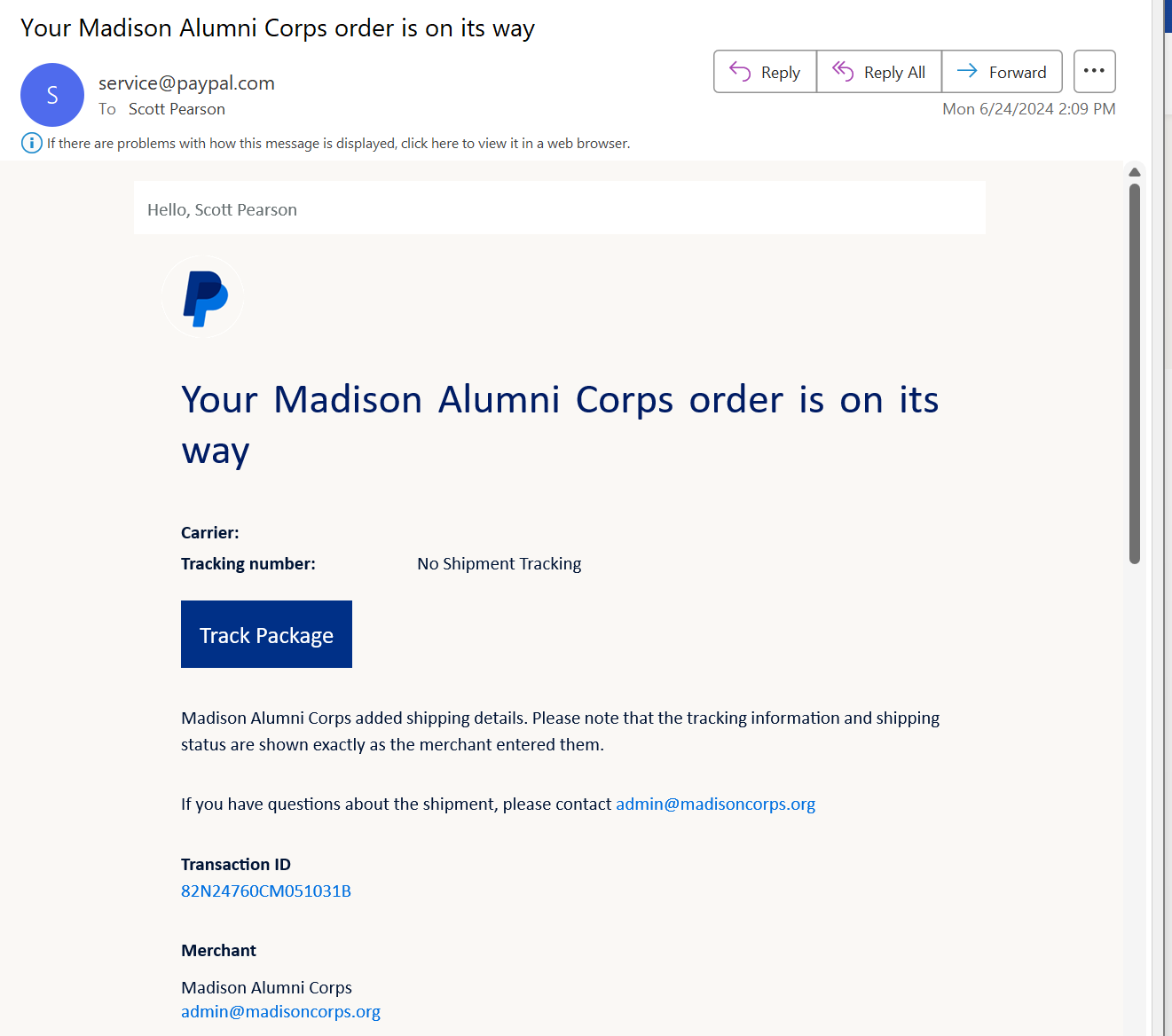
By Administrator Question: I received another email from PayPal after my receipt email, saying something is on its way. Do I need to do anything with this email?
Answer: No. PayPal is a little weird. Since we are a small group, they require us to mark each transaction with a tracking number to complete the process in their eyes. There is a box to check to state that shipping is not necessary, which we use. Unfortunately, their messaging automatically sends out acknowledgment emails like the one below, regardless.
We are not shipping anything to you as this is a subscription to the website. (virtual product) You're already there, so nothing is on its way.
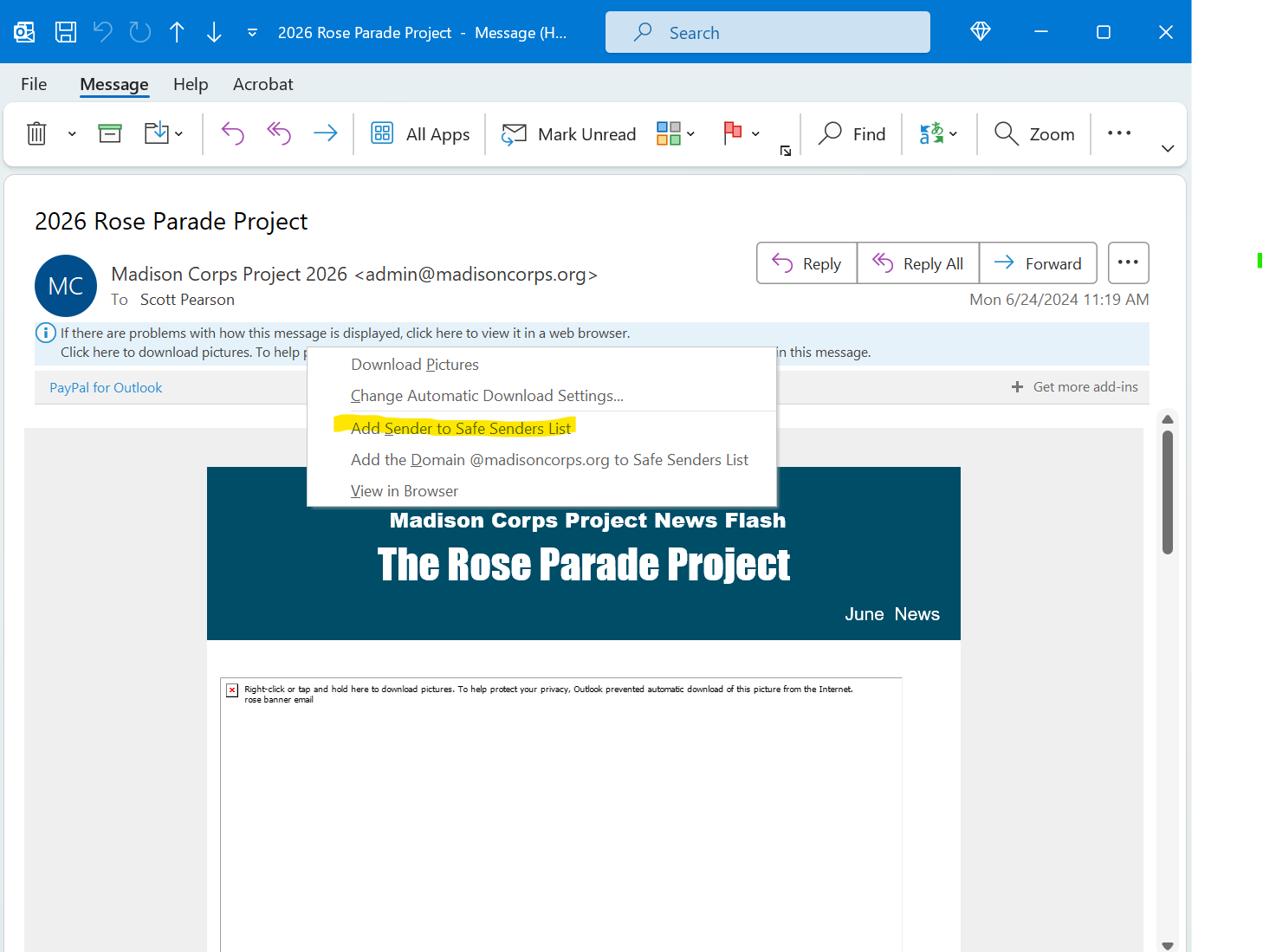
By Administrator The MCP Newsletter email ended up in my junk/SPAM folder.
Question: How can I add your email so that it goes into my inbox next time?
Answer: #1 Option: You can click a link to add our email to your safe list in many email clients. #2 Option: you can add
By Administrator Question: What is the final participation cost?
Answer: The final cost depends on how many participants we have with us. The more, the cheaper. The estimated range is between $1600 and $2000 (including this deposit). Of course, this will not include your cost of getting to and from California.
By Administrator Question: Does the $100 deposit apply to housing? I may have my own housing plans.
Answer: No, the deposit applies to other costs like equipment rental, uniform parts, etc. The Tour Company arranges all housing, in-town transportation, most meals, etc.
By Administrator Question: If I marched in an MSARP event in the past, is my account here?
Answer: Nope is the short answer. This organization is entirely different, even though many people associated with the Madison Scouts Alumni Reunion Projects are the same working on this unique all-area corps project. There are no old accounts to recover, but you can use the same email address and password combination when creating your new account as you did on the MSARP website if you desire.
Everyone will create a new account and must sign up and pay their deposit to access the performing member's area on our website. Please visit the About Us area to learn about this exciting adventure.
By Administrator Question: I just registered and paid but cannot log into the members-only area of the website.
Answer: Check your email inbox for an activation email.