


Question: I received a refund for Pasadena. How do I become a performer again?
Answer: It's fairly simple. If you created an account with us, you will stay with us. If you canceled and received your refund in the past, your login and password are still usable. You can still log into the website using the member link, though you'll only be a FREE account holder. The same goes for a past Donor.
 My Info link displays this screen: My Subscription view
If you are not sure of your login credentials, your username is your email address. If you cannot remember your password, you can reset it from the same area. 
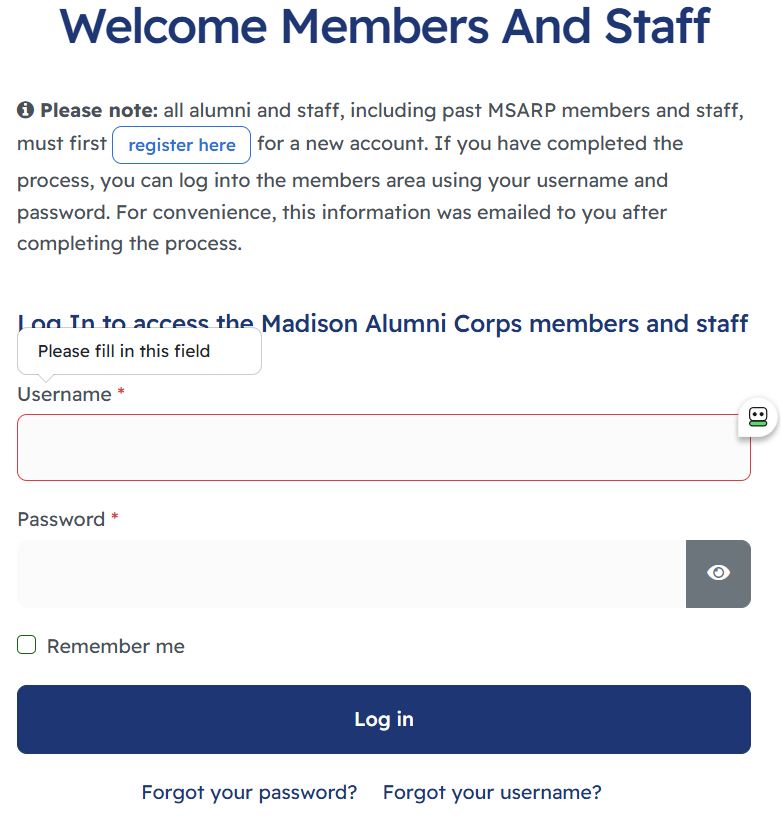 Members Login area
After you successfully log in, you'll see a "Become a Performer" text link displayed on the menu. Select that link to upgrade your account to a performing member. You can select your desired position, update your contact information (including a better email address), and then pay by check or PayPal.

After you complete your PayPal payment, you'll receive an email from PayPal along with an activation email. If you pay by check, we will manually activate your account shortly after we receive your payment. We will monitor accounts on the website from time to time. We'll activate your account manually if it hasn't been activated by the time we review accounts. You'll receive an email indicating your account has been activated.
Recommendation for Check Payments: We won't activate the payment option until we receive your check. Since payments can possibly get lost in the mail, we recommend getting a delivery confirmation number so you know we've received it by dropping your payment off at the post office.

